

wxrks and Figma Integration: Streamline Your Design Translation Workflow
Our new Figma integration empowers design teams to translate and localize content directly within their design files, simplifying cross-platform collaboration and reducing manual work. Here’s how the wxrks Figma plugin works:
Quick Installation
- Log in to Figma: Access your account and open the design file.
- Find and Install the Plugin: Navigate to the Plugin Manager, search for "wxrks," and install.
- Connect with Your wxrks Account: Authenticate with your wxrks API ID and Secret to enable project synchronization.
Seamless Configuration for Project Management
Set up configurations within wxrks to organize translation projects by organizational units:
- Figma Configuration: Link configurations to an Organizational Unit for accurate project mapping.
- Configuration Groups: Group multiple configurations to create distinct projects per language set, enabling smooth distribution and oversight.

Effortless Project Creation
Once configured, initiating a translation project from Figma is straightforward:
- Define Project Settings: Choose the source/target languages, workflows, and designate a project name.
- Automated Page Mapping: Each Figma page is transformed into corresponding work units within wxrks, ensuring consistent alignment across projects.
Pull Translations Directly into Figma
When translations are complete, simply fetch them back into Figma to see them seamlessly integrated into your design files.
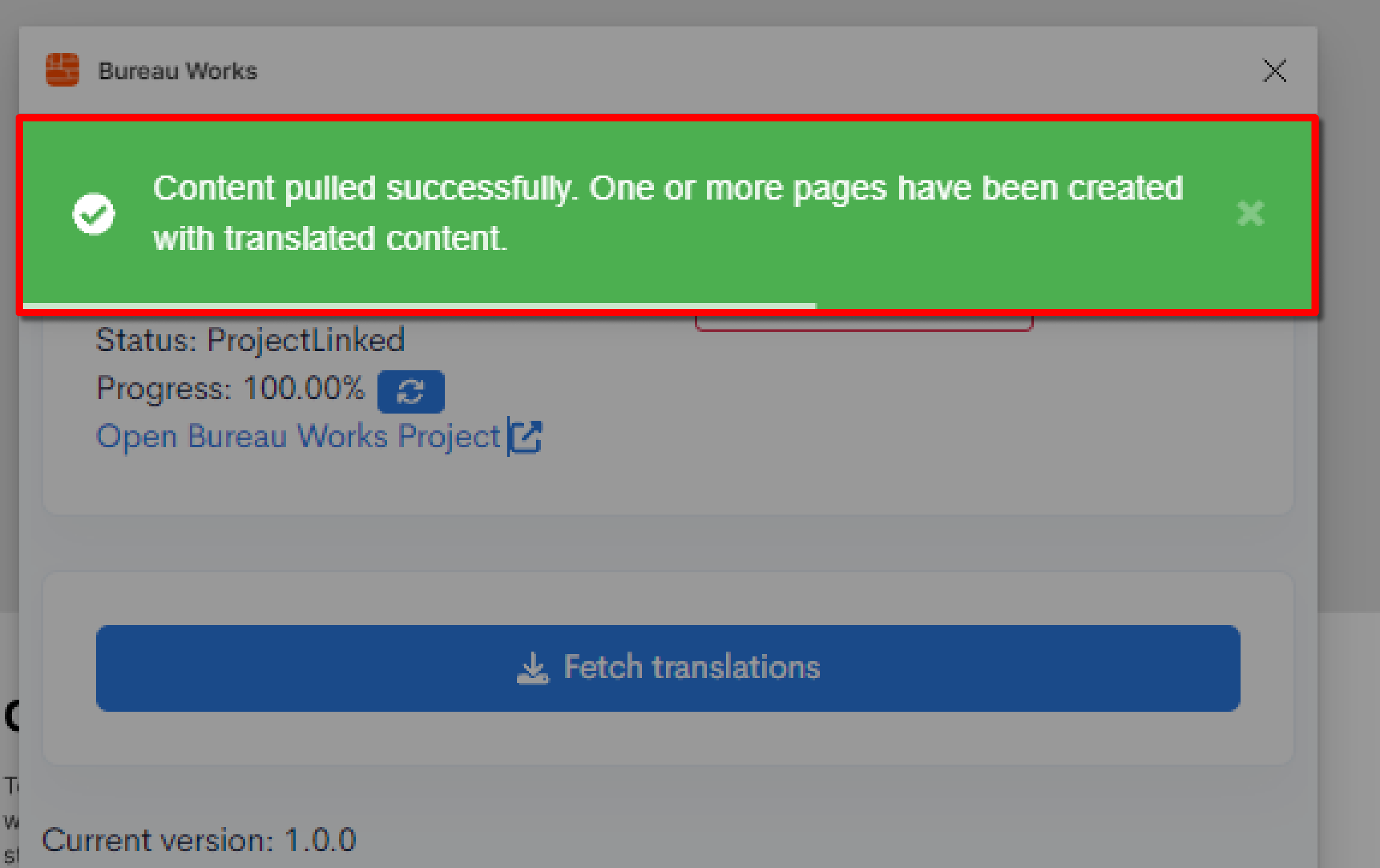
With the wxrks Figma integration, teams can maintain consistency and clarity in multilingual projects without leaving their design environment.
This streamlined approach reduces time spent on manual handovers, minimizes the risk of translation errors, and enhances collaboration across teams and regions.
By connecting design and localization workflows, the plugin allows designers and project managers to focus on creating high-quality, culturally resonant content, knowing that every element will be accurately translated and seamlessly deployed.
Unlock the power of glocalization with our Translation Management System.
Unlock the power of
with our Translation Management System.